
D&D battle maps · VTT · DM screen
Run whole dungeons floor by floor, with every trap and secret prepped.
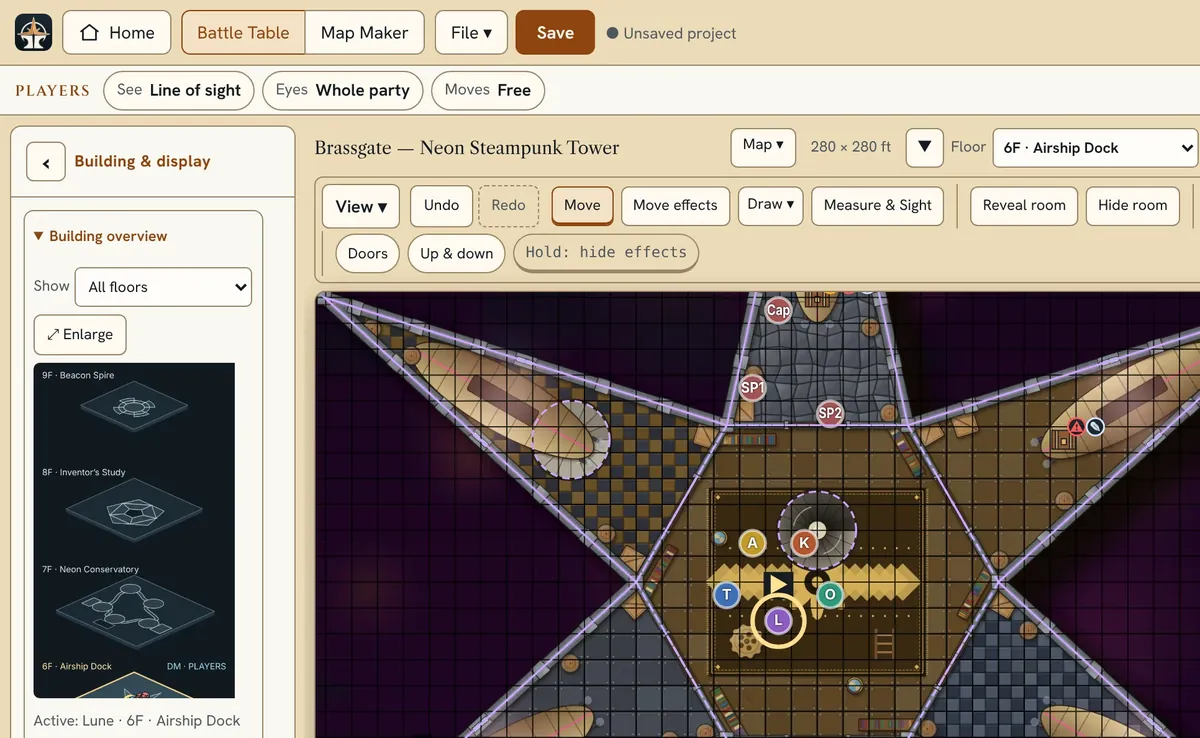
CartoSmith is a battle map program for Windows, built for the DM. Run the encounter from one screen: initiative, movement, doors, line of sight and spell effects. Players watch on a second screen, or join from their own phones and move their own characters.

Where things stand
-
Windows appIn testing
On its way to 1.0. No release date yet.
-
Online playWorking · testers wanted
Remote players on their own connections, with line of sight. Not open to everyone yet.
-
Free toolsAvailable now
A pixel-art token maker and five free battle maps.
NewVersion 0.9.52
Weather, sharper prep, darker floors.
The latest testing build adds weather that changes what characters can see, a better right-click menu for every character and monster, a Map Maker that snaps freehand rooms to a finer grid, and photo-textured floors.
- WeatherRain, thunderstorms, snow, fog and wind with one click, on every screen. Heavy weather shortens sight.
- Windows keep secretsA room you haven't revealed can't be seen through its windows, and an unfound secret door blocks sight.
- A better right-click menuRight-click any character or monster, on the map or in the initiative list, and run it from one menu: deal damage or heal, add conditions, and hand it a torch or lantern that lights the way as it walks.
- Reveal traps and locksRight-click a door, chest or trapdoor to show the party what they found. Players now see door icons too.
- Finer snap in the Map MakerFreehand rooms and walls snap to quarter squares, or pick 1, ½ or ⅛. Turn the map 90° while you draw.
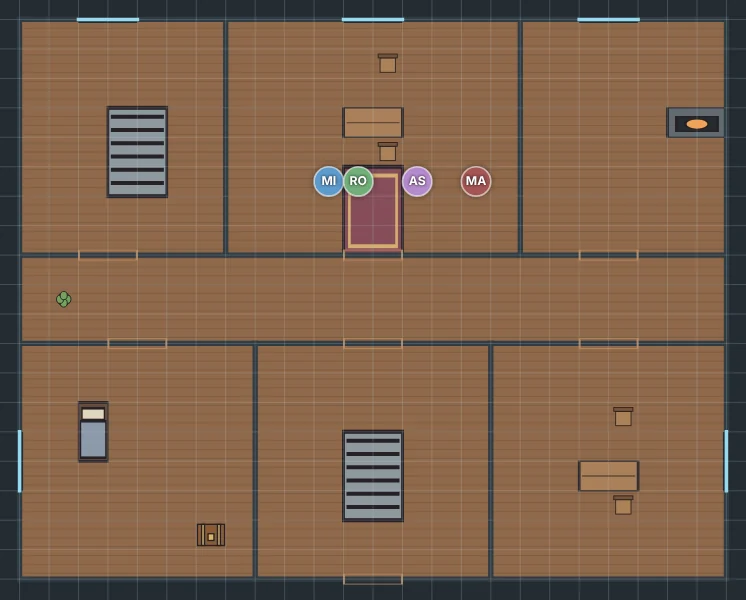
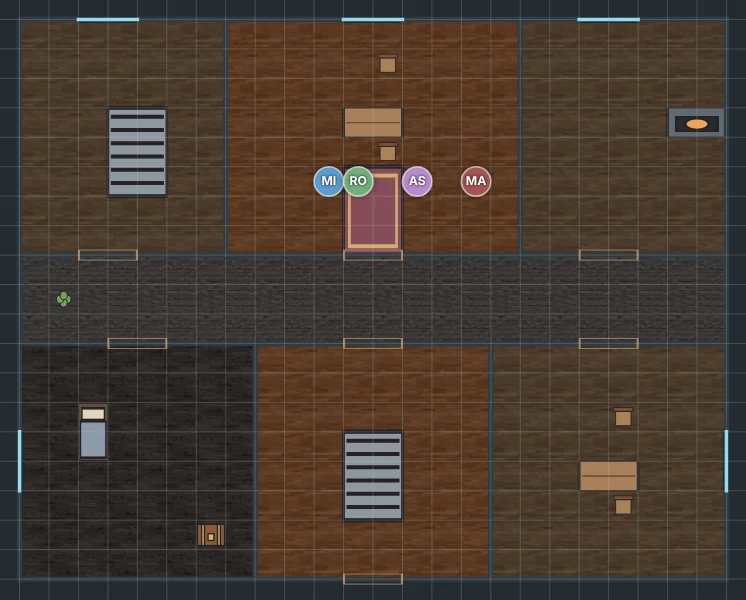
- Dark woods and textured floorsFive new dark wood floors, a fully textured Blackwood Manor sample and the full-size Roadside Camp.
00Demo
Watch a few turns.
A real session in Brassgate. Characters take the stairs between floors, and line of sight changes as doors and windows open and close. The DM picks which floor to run from the pop-out building overview.
01DM Prep
Prep every trap and secret.
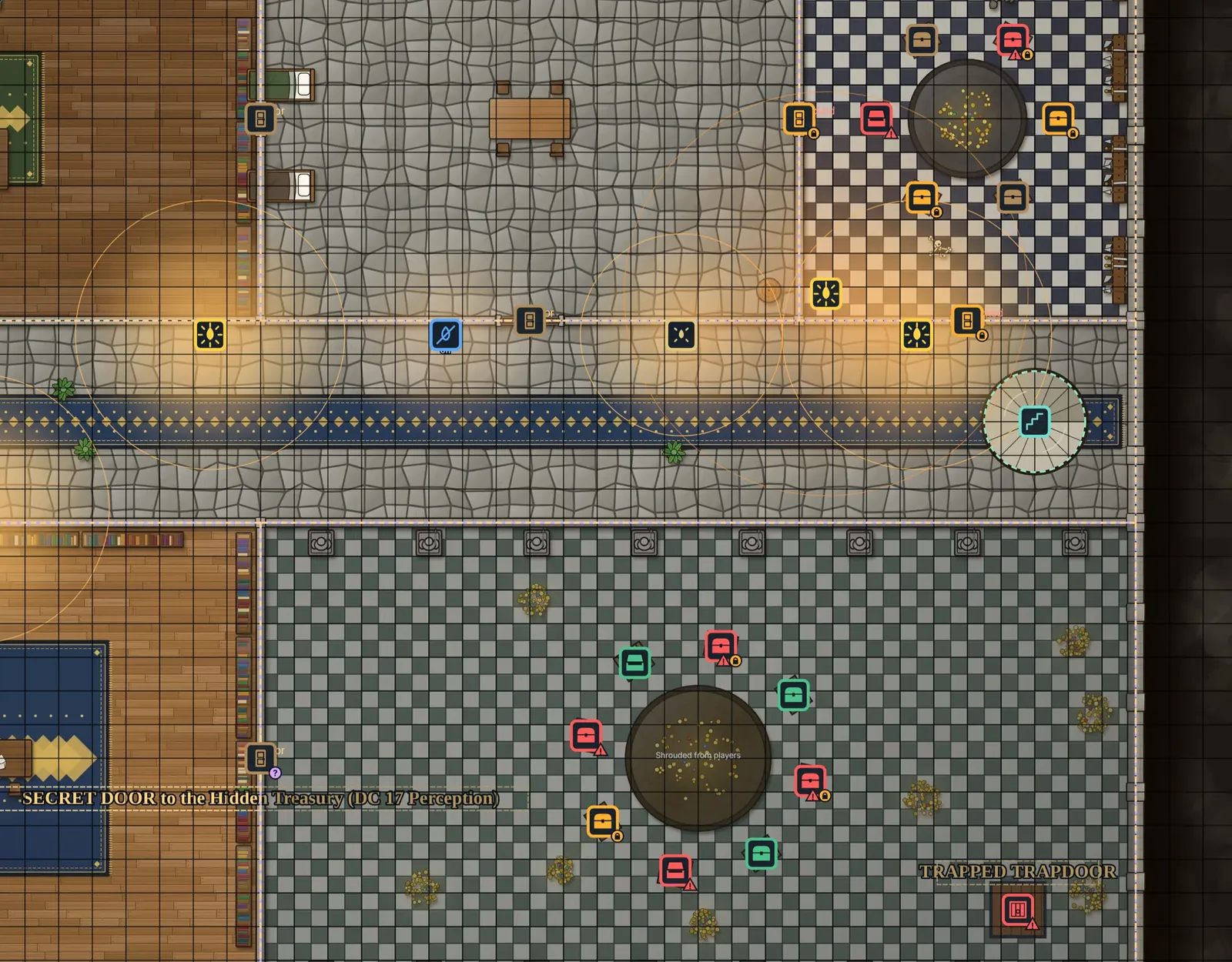
Mark each door, chest and trapdoor as trapped, locked or confirmed safe, and set every light to off, dim or bright. Each marker takes the colour of its state, so you can read a room at a glance. The overlay is for you only. Players never receive locks, traps, unfound secrets or your notes.
When the party finds something, right-click the door, chest or trapdoor and choose Reveal trap or Reveal lock. Only then does the Player Display, and every player's phone, show it in red or amber. Until then a door looks like a door.
- Armed trap
- Locked
- Confirmed safe
02Buildings
Whole buildings, floor by floor.
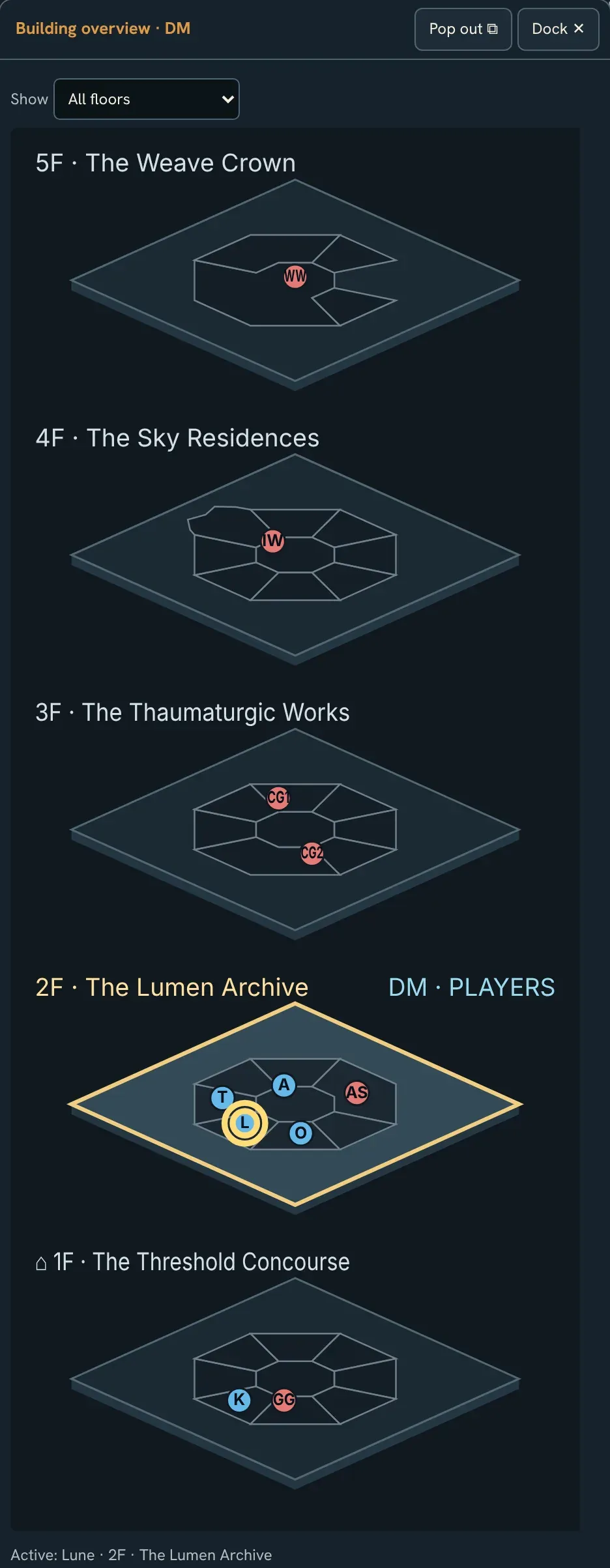
Up to 32 floors in one map, linked by stairs, ladders and trapdoors. One initiative order runs across every floor, and the building overview shows where your party and every enemy are, all the way up the tower.
Pop the overview out onto its own window and choose which floor you're running with one click. The Player Display can follow the active turn to whichever floor it's on.
- Friendly
- Hostile
- Active turn
03Showcase maps
Go deep. Then go up.
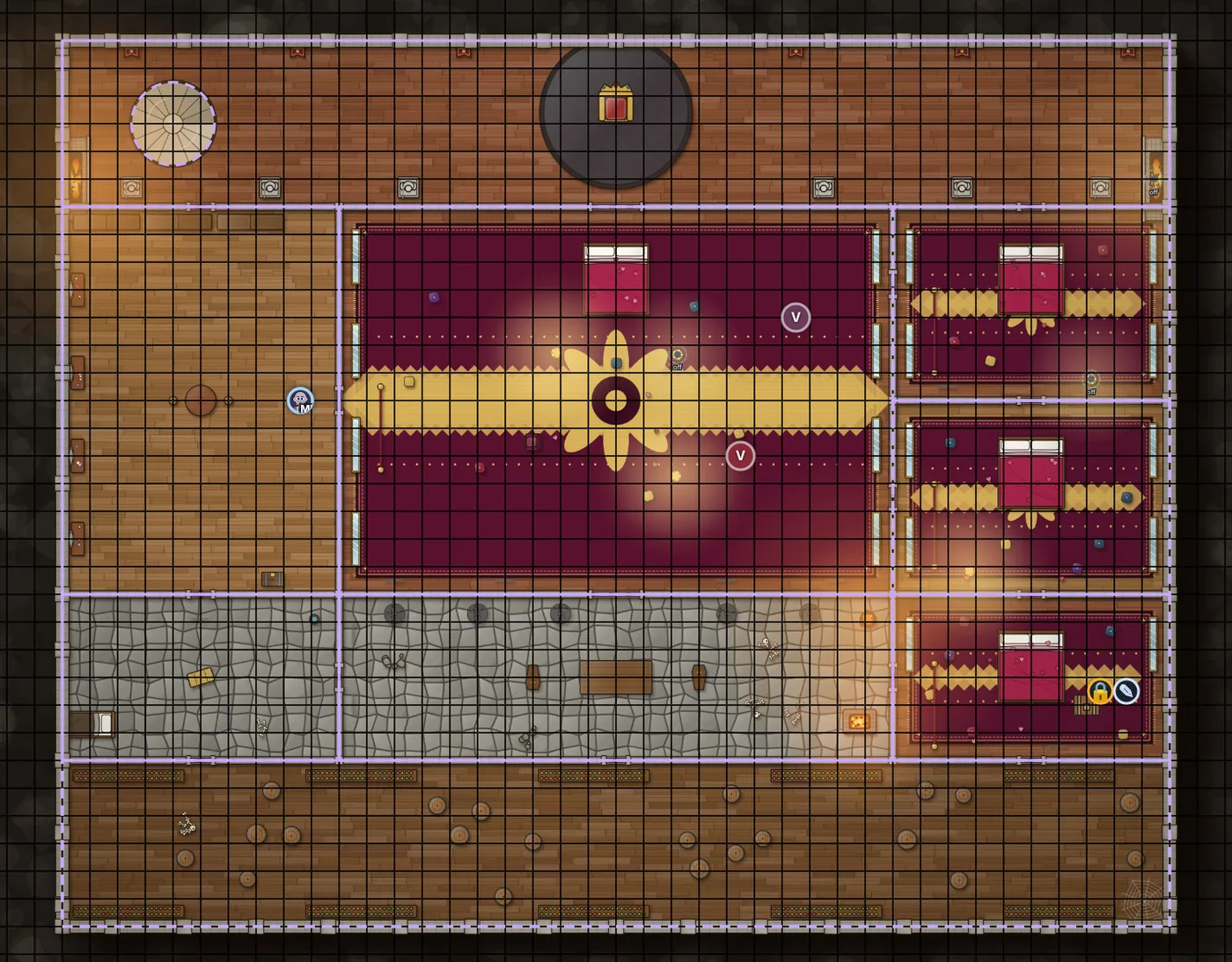
CartoSmith comes with four ready-to-run showcase buildings. Castle Nightspire has 32 floors, from the Ember Depths to the Spire Roofs. Brassgate stacks 13 floors of neon, brass and clockwork. Here are a few of their floors.
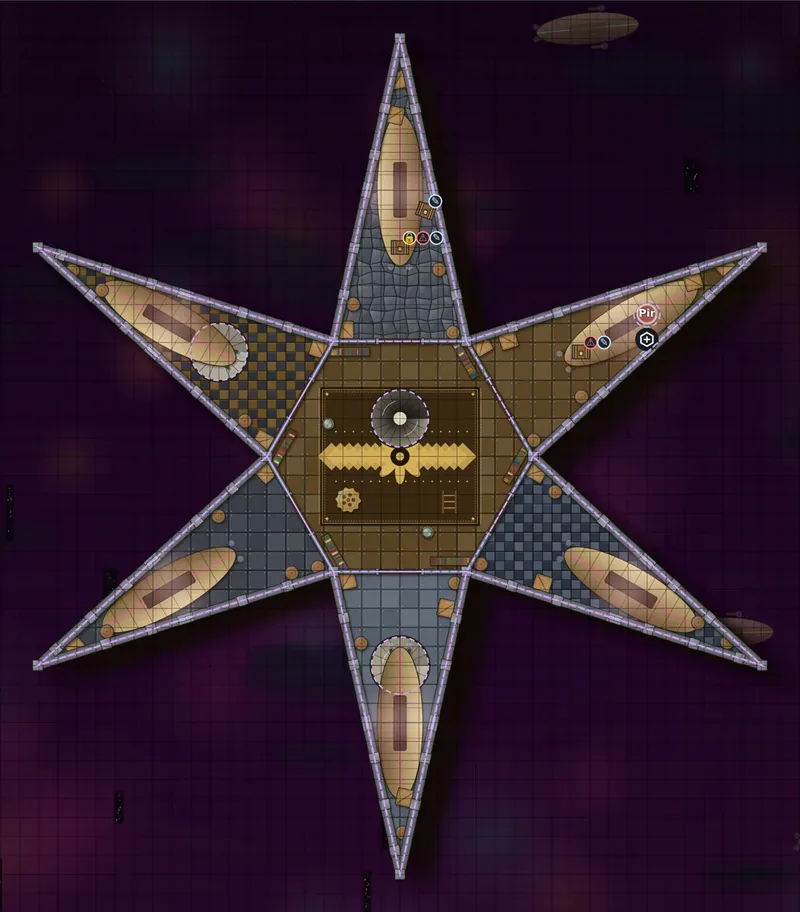
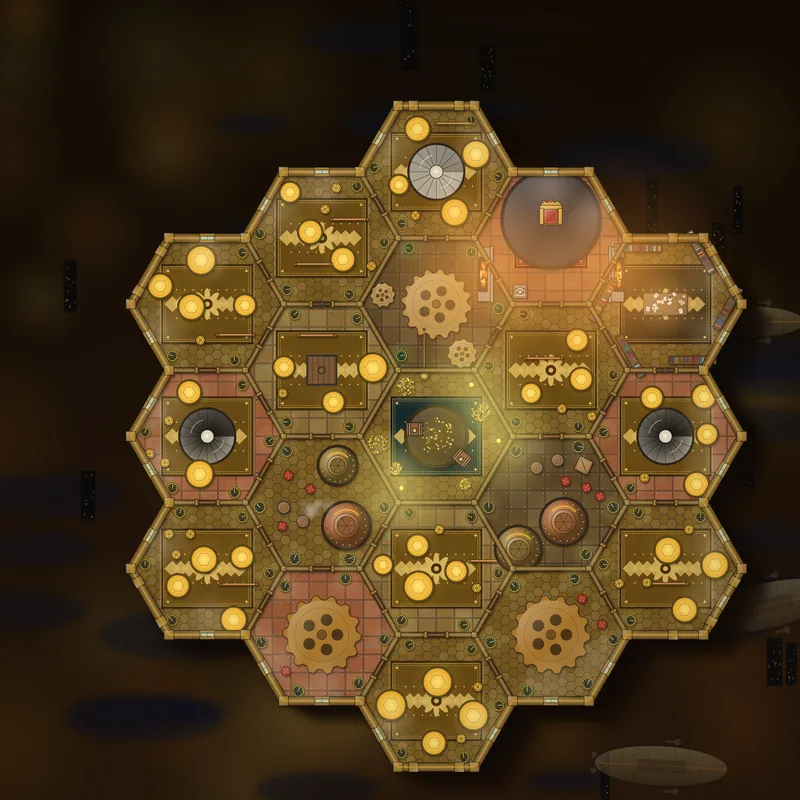
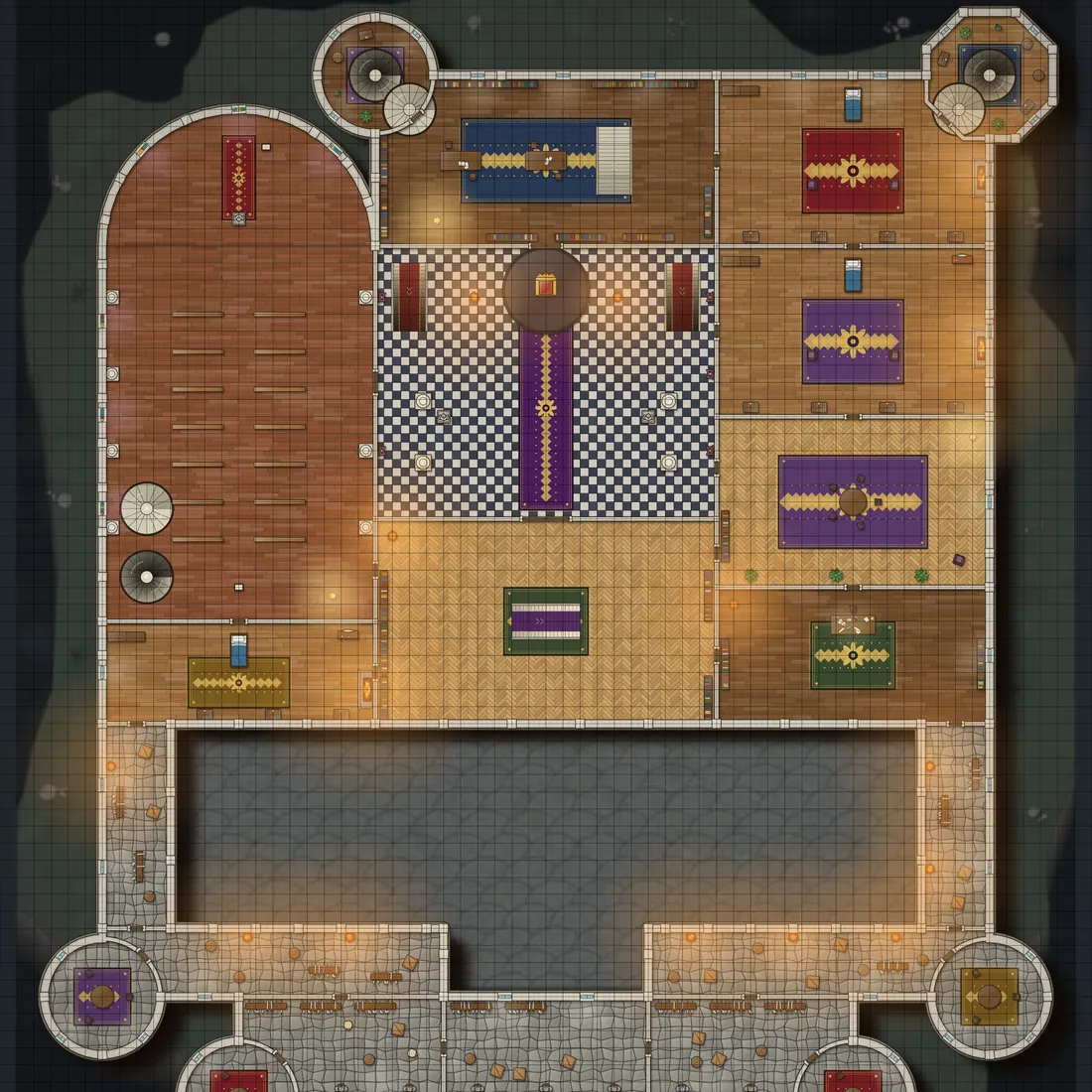
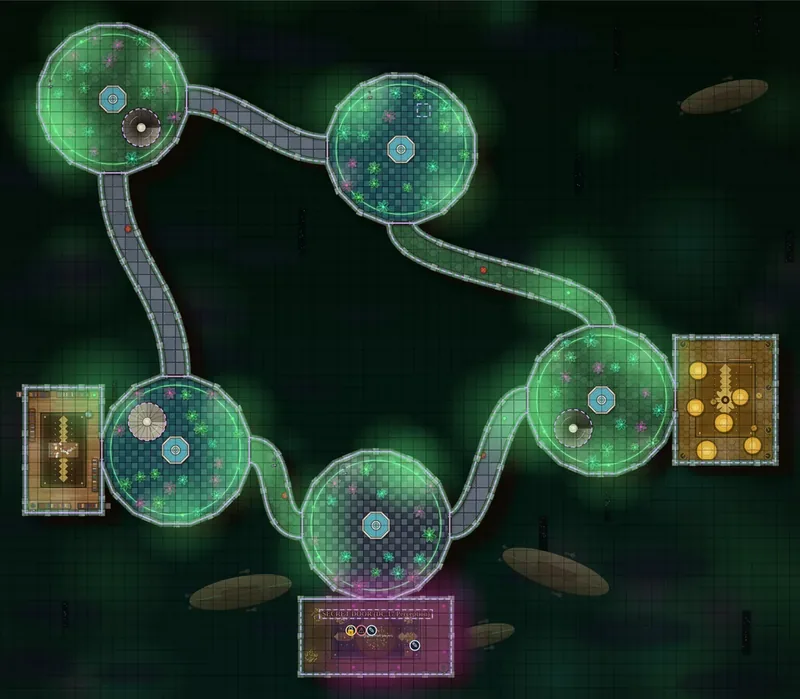
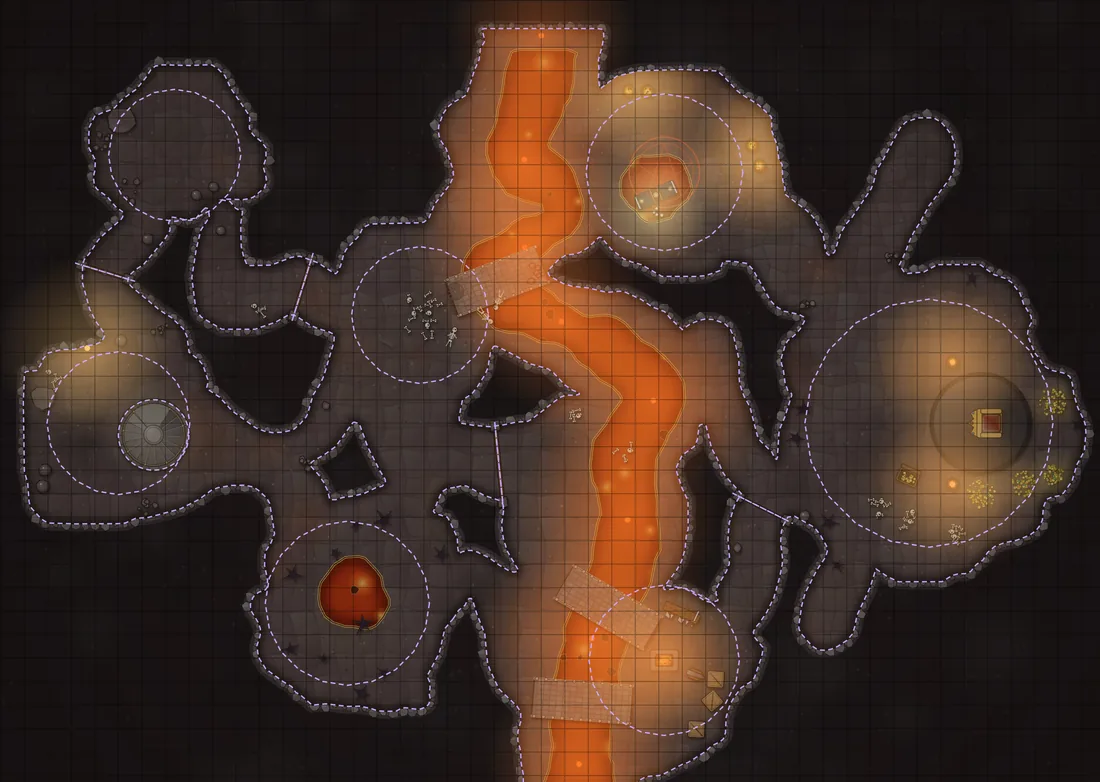
Every floor is a real CartoSmith map with walls, doors and line of sight. Opening one starts a fresh copy, so the original is never overwritten.
04Your own maps
From picture to combat in under five minutes.
Import a map picture from Inkarnate, Dungeon Alchemist or any map pack. CartoSmith reads the grid from the picture. Trace the rooms, drop in doors and windows, and the map is ready to run with walls, doors and line of sight.
Then roll for initiative.
05Vision
Fog that knows what they can see.
Turn on line of sight and walls, closed doors and light decide what the party can see. Everything else is solid dark, on the table screen and on every player's phone. Out-of-sight objects are out of the data too: a chest in a room nobody can see is never sent, so it can't be found by poking at the page.
- Two ways to fog. Shrouded rooms (the default: rooms stay hidden until you reveal them) or Line of sight (walls and light decide).
- One party, one view. With line of sight on, every player sees what any of the party's characters can see right now. A room left behind goes dark again.
- Windows keep secrets. A room you haven't revealed can't be seen into through its windows, and a secret door nobody has found blocks sight like a wall.
- Only approved moves reveal anything. A move waiting for your OK shows nothing new.
- The table screen matches. The Player Display follows the same rules, for the whole party or only whoever's turn it is.
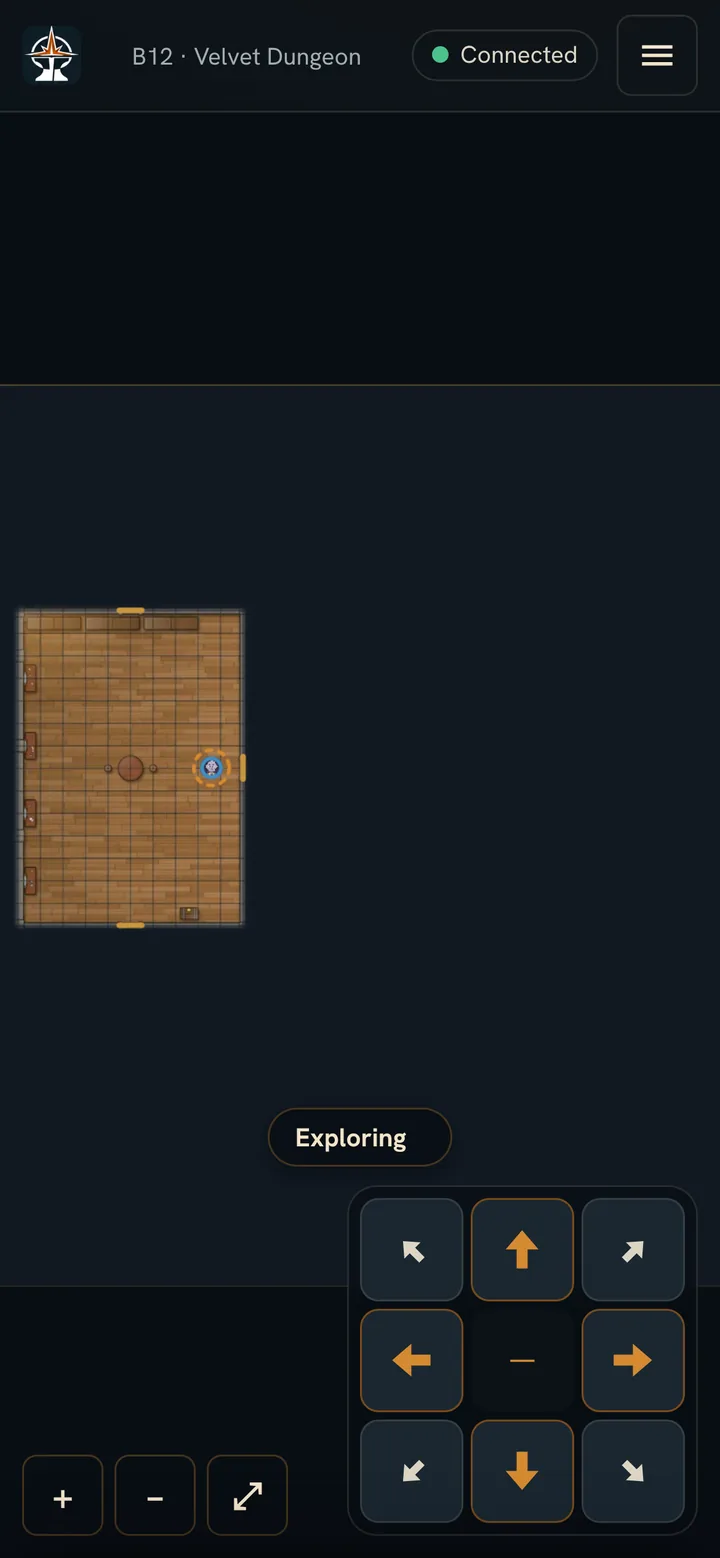
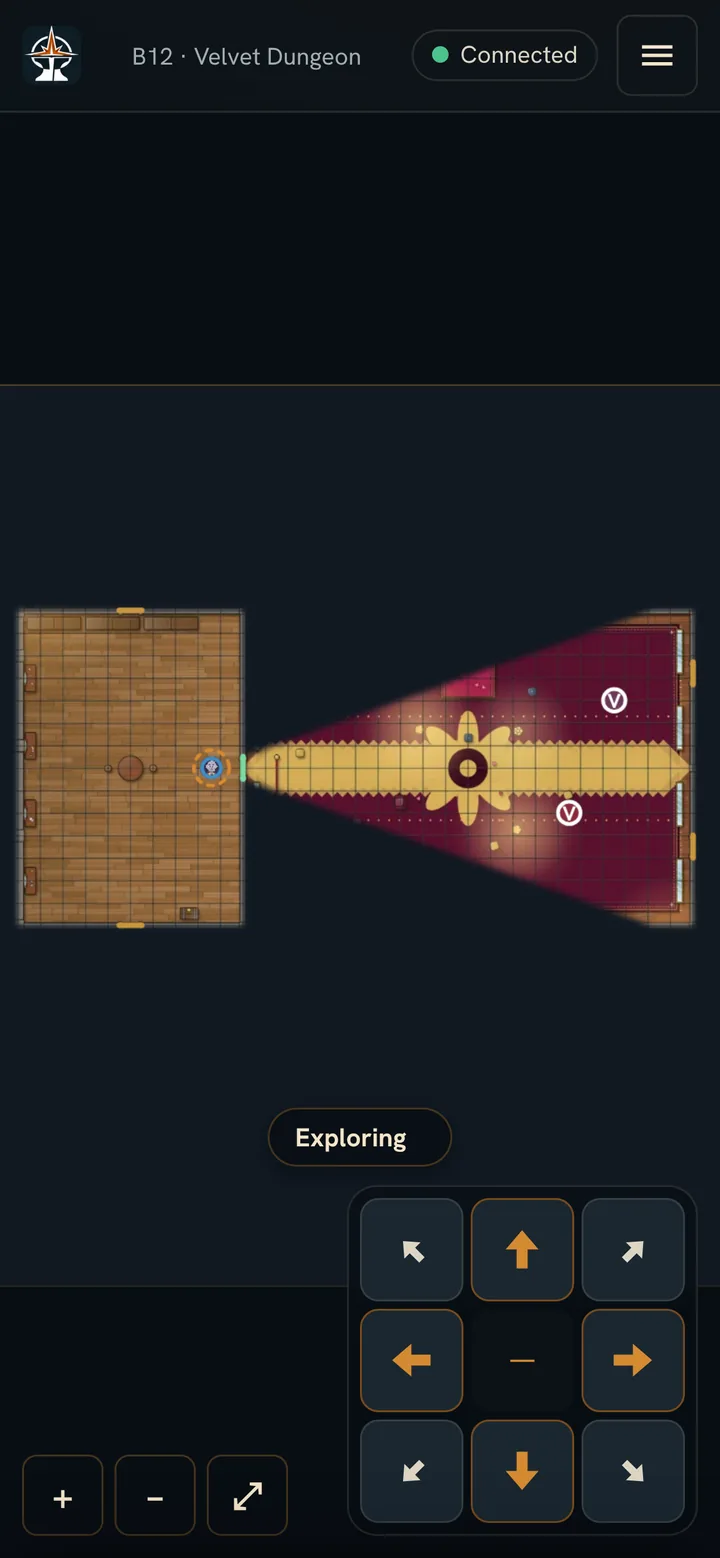
Castle Nightspire, B12 · Velvet Dungeon. Captured from a running session: the real DM app, relay and player page.
06Weather
Let it rain. New
Drizzle, rain, thunderstorm, snow, fog and wind, each one click, most in light, medium or heavy. Rain falls in layers with gusts and splashes, lightning flashes with the thunder, and the Soundboard plays a matching loop.
- Weather changes the fight. Heavy rain, snow and fog halve darkvision and carried torches and cut ordinary sight to 60 ft. Lights on the map are not affected, and when the weather ends everything is exactly as it was.
- Everyone sees the same storm. The Player Display and players' phones show the weather at the same moment. Phones draw a lighter version.
- Let a storm build. Change at once or fade over a few seconds, pick the wind direction and darken the sky as you like.
- Or run the Weather Machine. Set temperature, humidity, pressure, wind and cloud, and the weather follows: below freezing it snows, warm unstable air brings a thunderstorm.
- Gentle on eyes. A Motion setting follows Windows' reduce-motion choice, or shows the weather as a still picture. Weather is never saved into your map.
07Online play
Your table, on their phones. Testers wanted
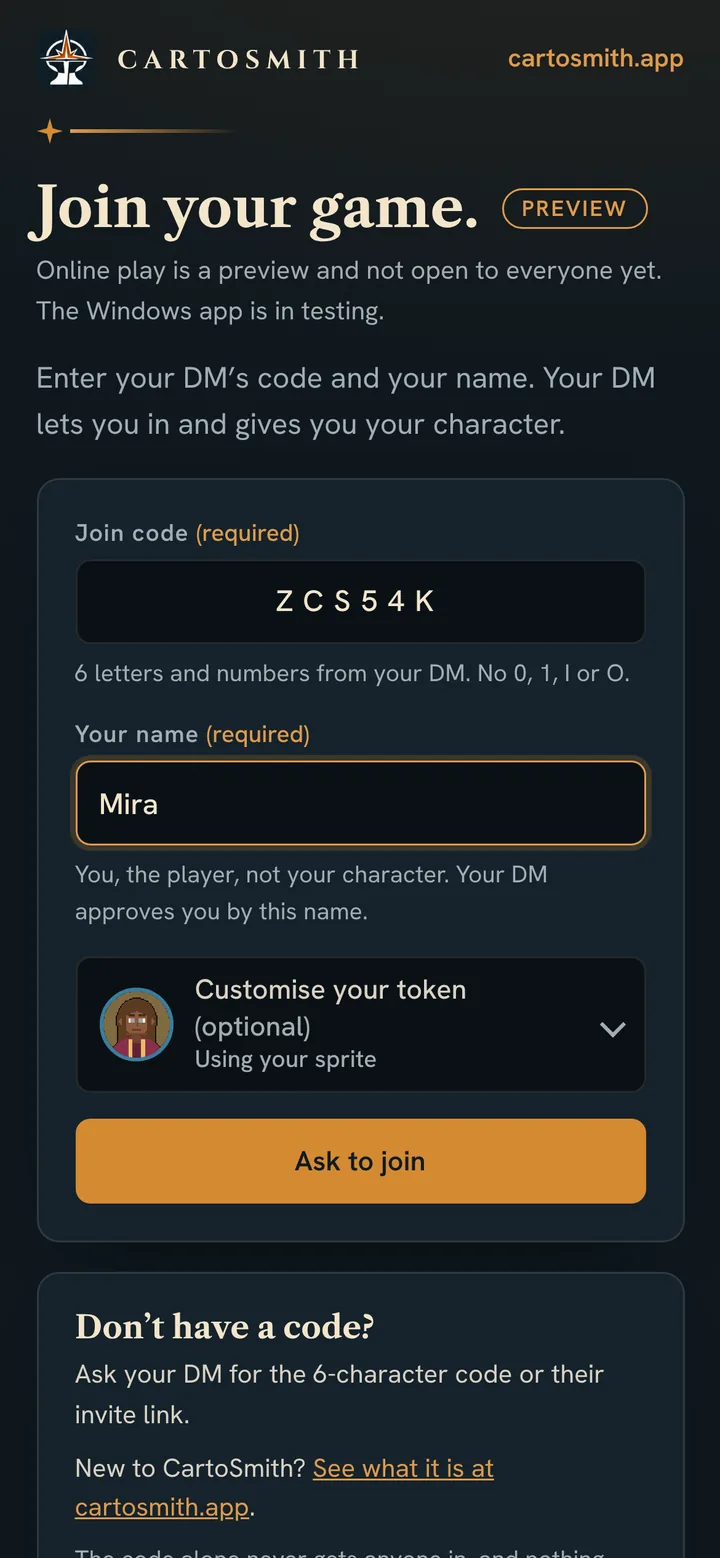
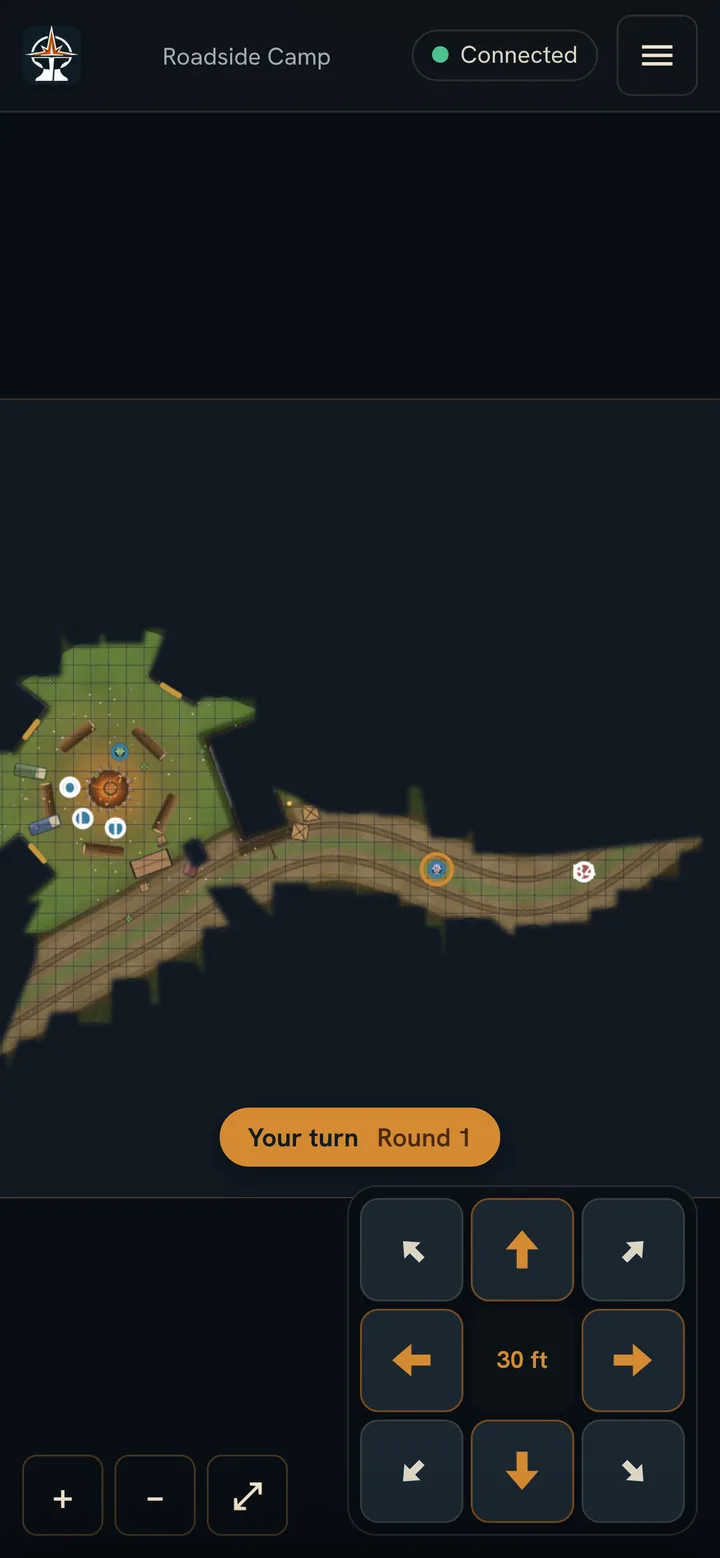
Players open play.cartosmith.app wherever they are, type your code and their name, and move their own character. No app and no account. Everything is still decided on your PC.
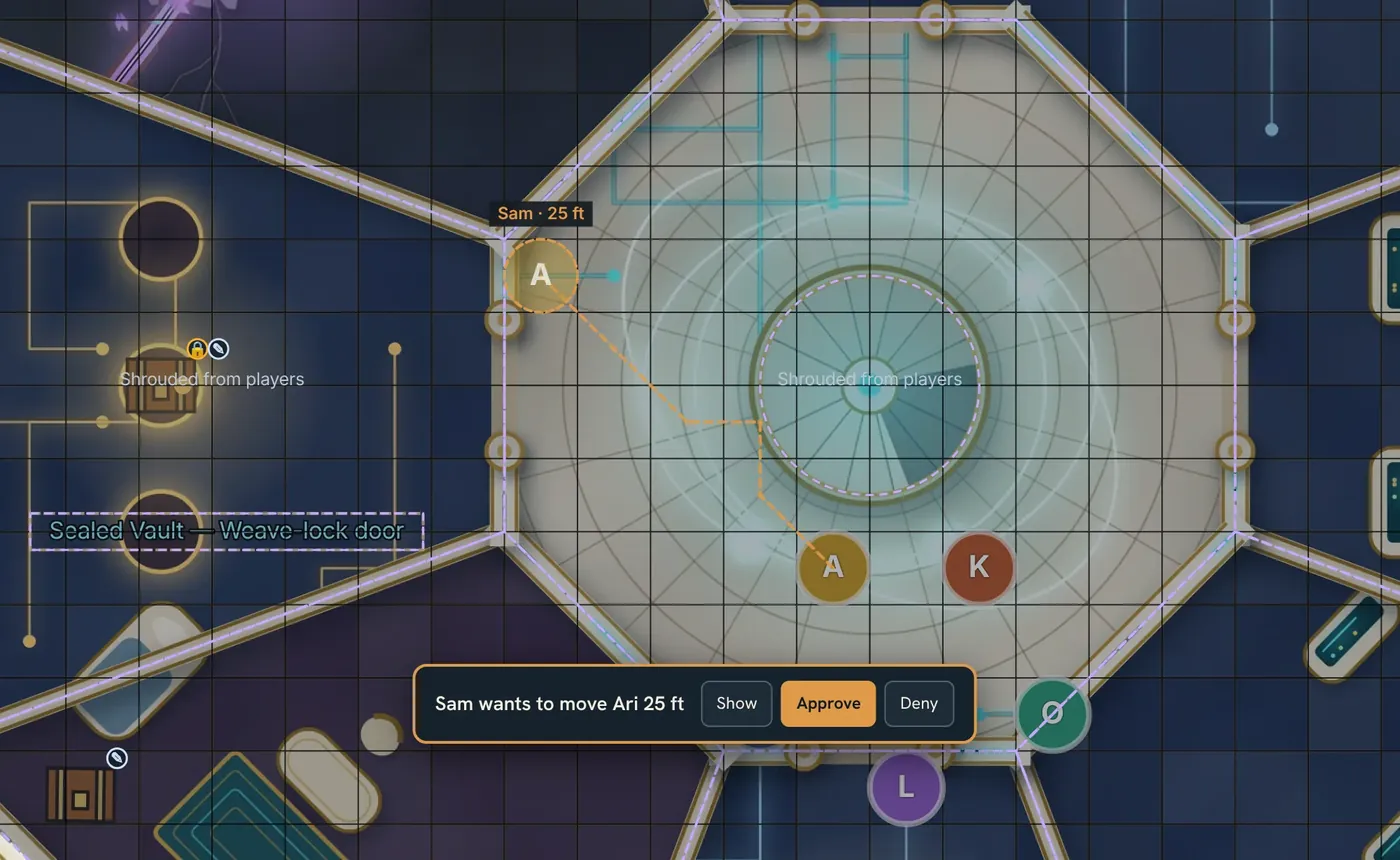
- You approve every player. Share a code, link or QR code; nobody gets in until you let them, and you choose which character each one plays.
- You approve every move, if you like. Each request is drawn on your map first: the path, a ghost of the token and the feet.
- You can lock the table. One click pauses every player's token for a cutscene or a stream.
08Tokens
Free now · no account
Bring your hero to life.
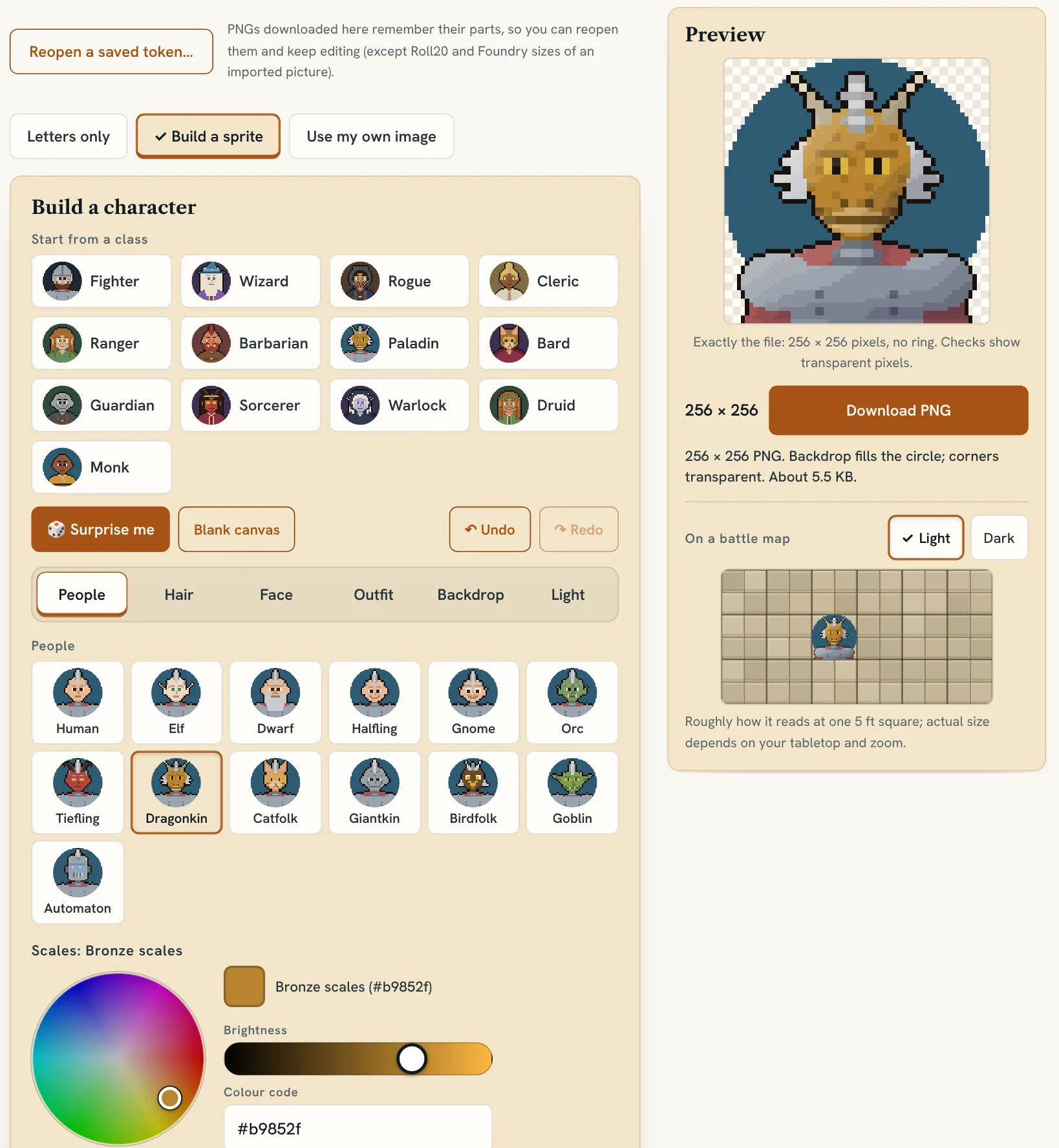
Make a pixel-art token right in your browser with the free token maker. In online play, players send their token to your game and your PC keeps it with the battle, so next session it is ready.
- Pick from 13 peoples, from elves and dwarves to dragonkin, catfolk, birdfolk and automatons, or start from one of 13 classes.
- Choose any colour on a colour wheel, then light your hero from any side for soft pixel shading.
- Touch it up with Paint-style tools: pencil, line, box, fill, colour picker, brush sizes, mirror and undo.
- Or start from your own picture and turn it into pixel art with one tap.
- You can replace, lock or reset any player's token. Simple letters work too.
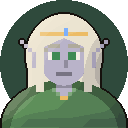 Ysolde
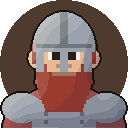 Bram
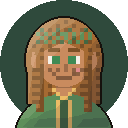 Pip
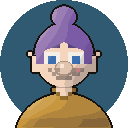 Nim
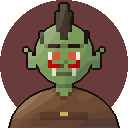 Fen
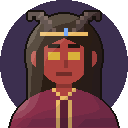 Odessa
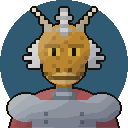 Vashka
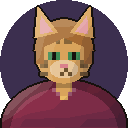 Lark
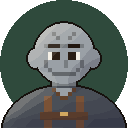 Hollin
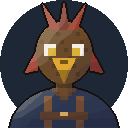 Kestrel
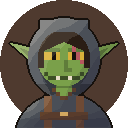 Snik
 Cog
Twelve heroes built in the sprite maker, one from each of its peoples beyond human.
09Spells
Spells everyone can read.
Every template is drawn at its true size on the 5 ft grid, so the whole table can see exactly who is caught in it. Fireball, Cone of Cold, Spirit Guardians, Wall of Fire, Web, Lightning Bolt and more from the D&D 5e SRD.
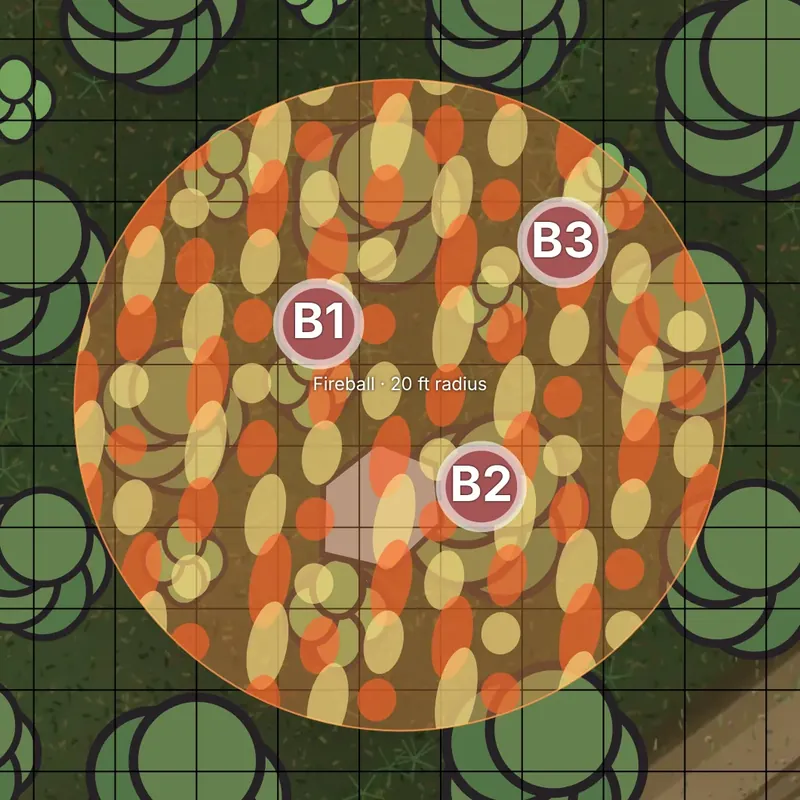
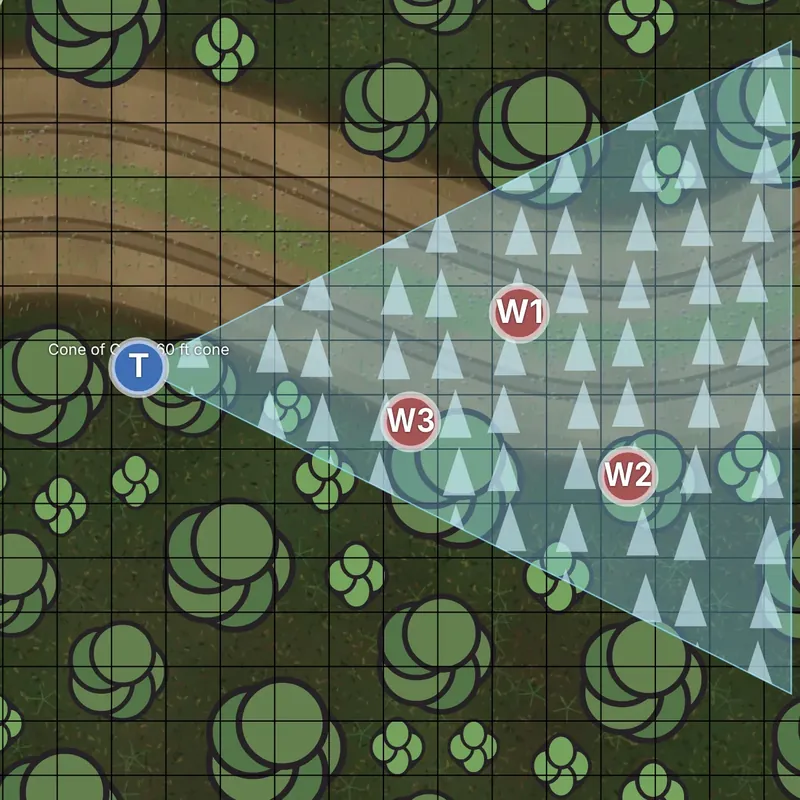
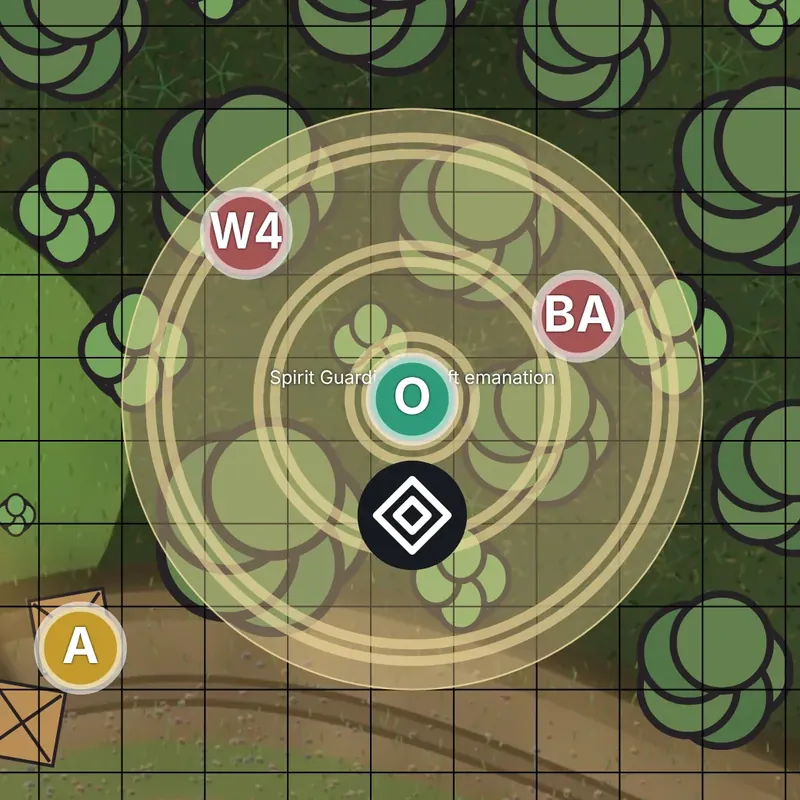
Roadside Camp, with the grid at full strength so you can count the squares.
10Themes
Make it yours.
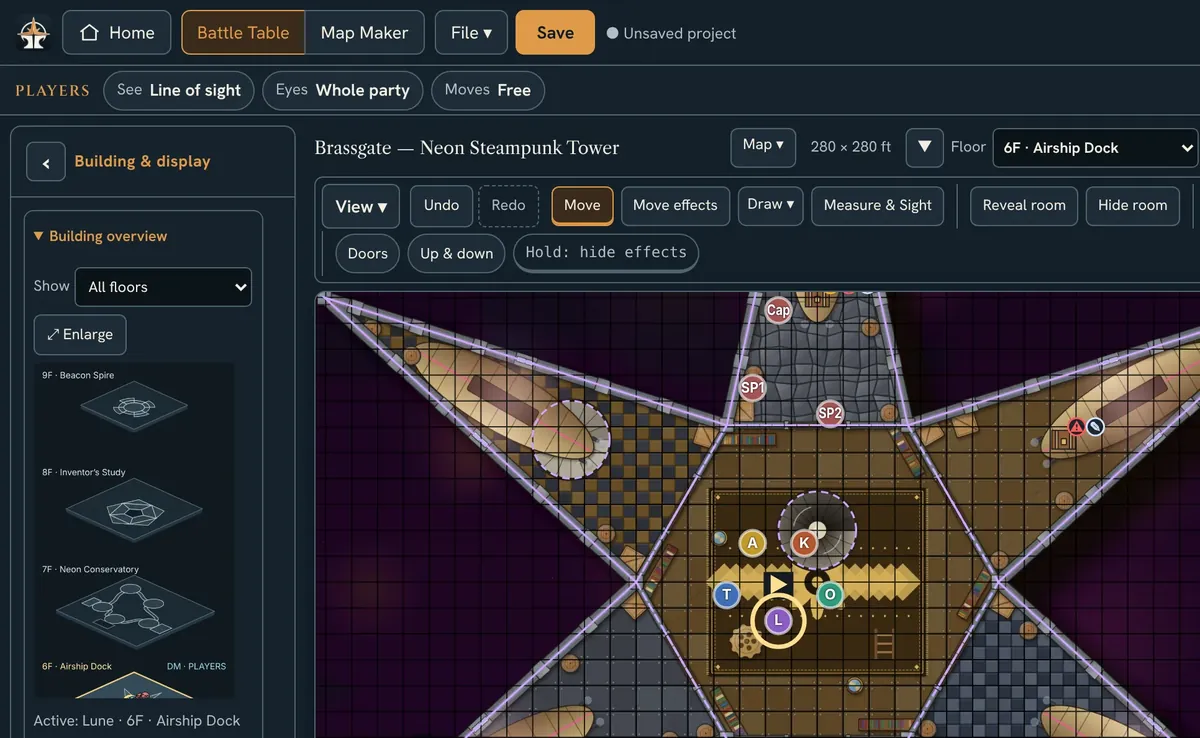
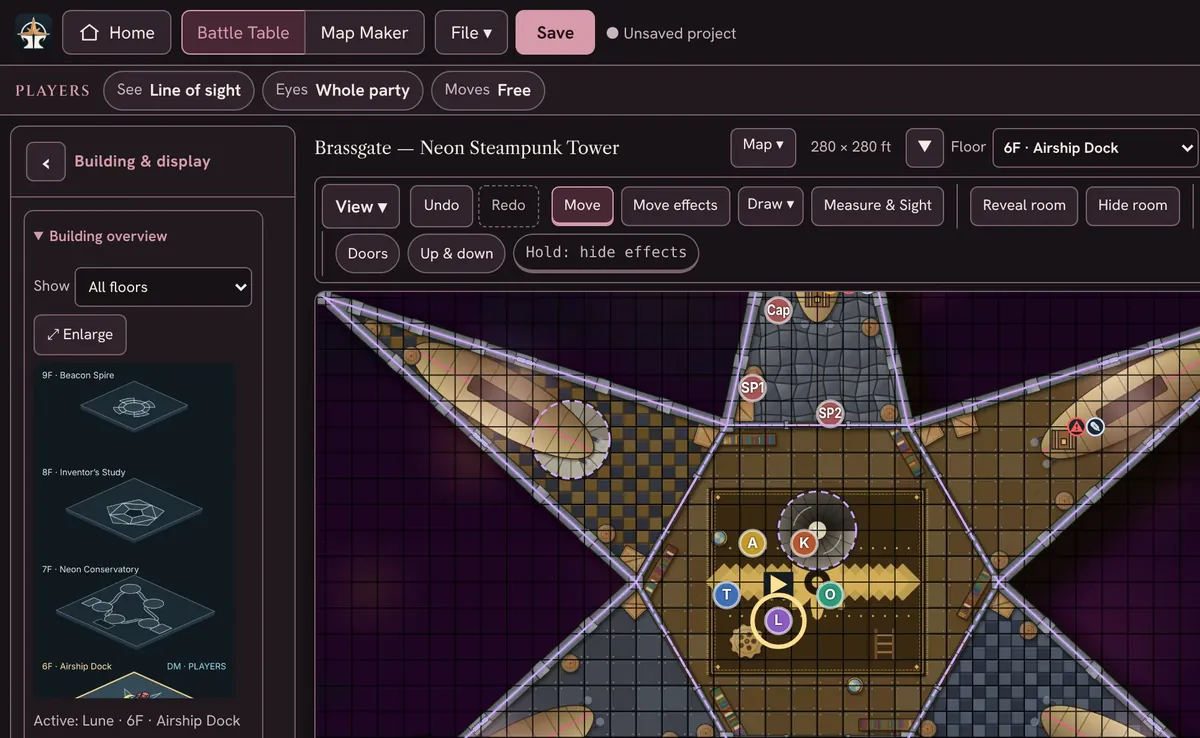
Five themes: CartoSmith Dark, Nightshade, Arcane, Parchment and High Contrast for easy reading.
11Questions
Questions DMs ask.
A battle map maker, a virtual tabletop and a DM screen, in one Windows app.
What is CartoSmith?
CartoSmith is a battle map program for Windows, built for the Dungeon Master. It combines a battle map maker, a virtual tabletop and a DM screen: you build or import a map, prep its traps and secrets, then run the encounter with initiative, movement, conditions, doors, line of sight and spell effects from one screen.
How is CartoSmith different from Foundry VTT, Roll20 or Owlbear Rodeo?
Those are great virtual tabletops, built for running whole campaigns online. CartoSmith is narrower and started from the DM's side of the table: whole buildings with up to 32 linked floors and one initiative order across them, DM Prep for marking every trap, lock and secret before the session, and a Player Display for a TV or second screen. It runs on your own PC with nothing to host, and players can still join from their phones when they aren't in the room. Plenty of DMs will use both.
Is CartoSmith made for D&D?
Yes. It is built around D&D-style play on a 5 ft grid, with D&D 5e SRD spell templates such as Fireball, Cone of Cold and Spirit Guardians. It also suits other grid-based tabletop RPGs that use a square battle map.
Can I make my own battle maps and dungeons?
Yes. The Map Maker builds rooms, walls, doors, stairs and whole buildings floor by floor. You can also use your own map picture as a background, or import Universal VTT and Dungeondraft (.dd2vtt) maps with their walls, doors and lights. Freehand rooms and walls snap to quarter squares by default, so hand-drawn shapes still line up, and floors can use photo textures such as stone, cobbles and dark wood. Watch a map go from picture to combat in under five minutes.
Is it a virtual tabletop (VTT)?
Yes. You run the game on your PC. Players can watch a separate Player Display on a second screen or TV, or join online from their own phone, tablet or laptop, on their own internet connection, with a join code. Each player moves only the characters you give them. Online play works end to end in private tests, and we are looking for groups to help test it.
Does it have fog of war and line of sight?
Yes. You choose what players see: Shrouded rooms, where rooms stay hidden until you reveal them, or Line of sight, where walls, closed doors and light decide what can be seen. With line of sight on, everything the party cannot see right now is solid dark, on the Player Display and on players' own phones. The party shares one view: every player sees what any of the party's characters can see. Shrouded rooms, hidden creatures, unfound secret doors, traps and locks are left out of what players receive, not just covered up. With line of sight on, doors, objects and creatures the party can't see right now are left out too. You always see the whole map.
Does CartoSmith have weather effects?
Yes. One click sets drizzle, rain, thunderstorm, snow, fog or wind, most in light, medium or heavy, with matching sound and lightning. Heavy rain, snow and fog shorten how far characters see, and the Player Display and players' phones show the same weather at the same moment. A Weather Machine lets you set temperature, humidity, wind and cloud and the weather follows. Weather is never saved into the map.
Do my players need to install anything?
No. At the table they watch the Player Display. Online, they open play.cartosmith.app in a browser, type your join code and their name, and wait for you to let them in. No app and no account. Anyone can make a pixel-art token now in the free token maker at sprite.cartosmith.app.
Which platforms does CartoSmith run on?
CartoSmith is a Windows desktop app. The player page for online play runs in a web browser on phones, tablets and laptops (Mac, iPhone and Android included), so players install nothing.
Is there a Mac version?
Not right now. CartoSmith started as a tool for one DM's own table and grew from there, so it is Windows-only for now. If there is real interest in a Mac version, we will consider it: tick “I'm on a Mac” when you join the waitlist. Your players can already join online play from a Mac or any other device with a browser.
Are there free battle maps I can use?
Yes. You can download five free battle maps, single floors from the CartoSmith showcase buildings, with and without a grid, sized for Roll20, Foundry VTT, Owlbear Rodeo or print, at cartosmith.app/free-battle-maps. There is also a free pixel-art token maker at sprite.cartosmith.app.
When can I get CartoSmith?
The Windows app is in testing on its way to 1.0. There is no release date yet. Online play works in private tests and is not open to everyone yet. The free token maker and the free battle maps are available now. Join the waitlist and we will email you when CartoSmith opens.
Can I help test CartoSmith?
Yes, please. We are looking for DMs who will run a real session with remote players and tell us what works and what breaks. Join the waitlist and tick “I'd like to help test online play with my group”. We will email testers as places open.
Is there a CartoSmith community?
Yes: r/CartoSmith on Reddit is the place to share maps and tokens, report bugs, suggest features and follow development. It is new, so come say hello.
How much will CartoSmith cost?
Pricing has not been decided yet. Join the waitlist and we will email you when there is news.

Join the waitlist.
Leave your email and we'll let you know when CartoSmith is ready. Run a group and want to try online play? Tick the box and we'll be in touch about testing. Want to follow along now? Join r/CartoSmith on Reddit.